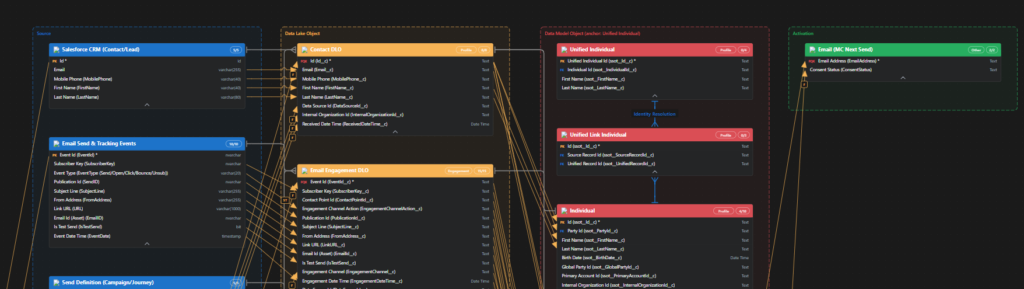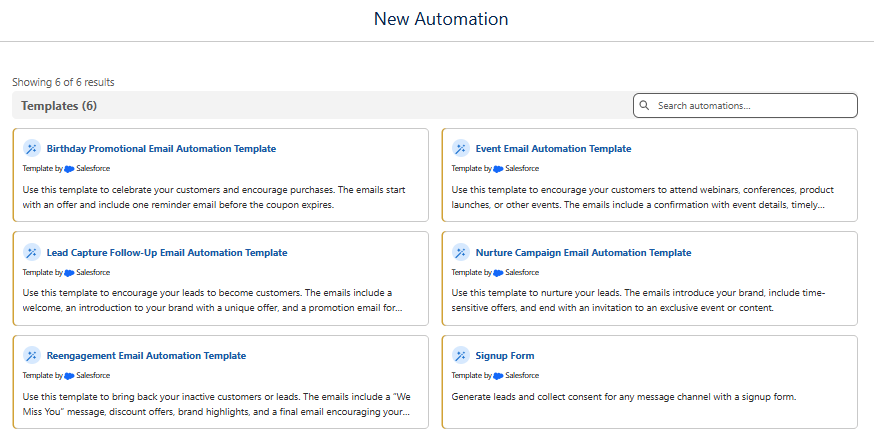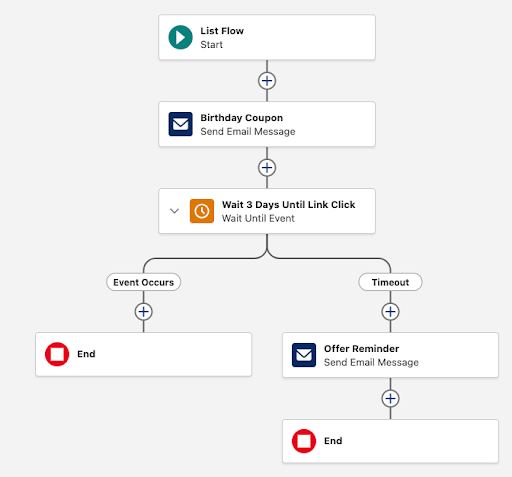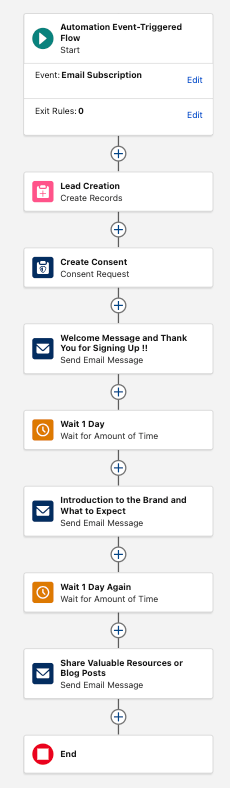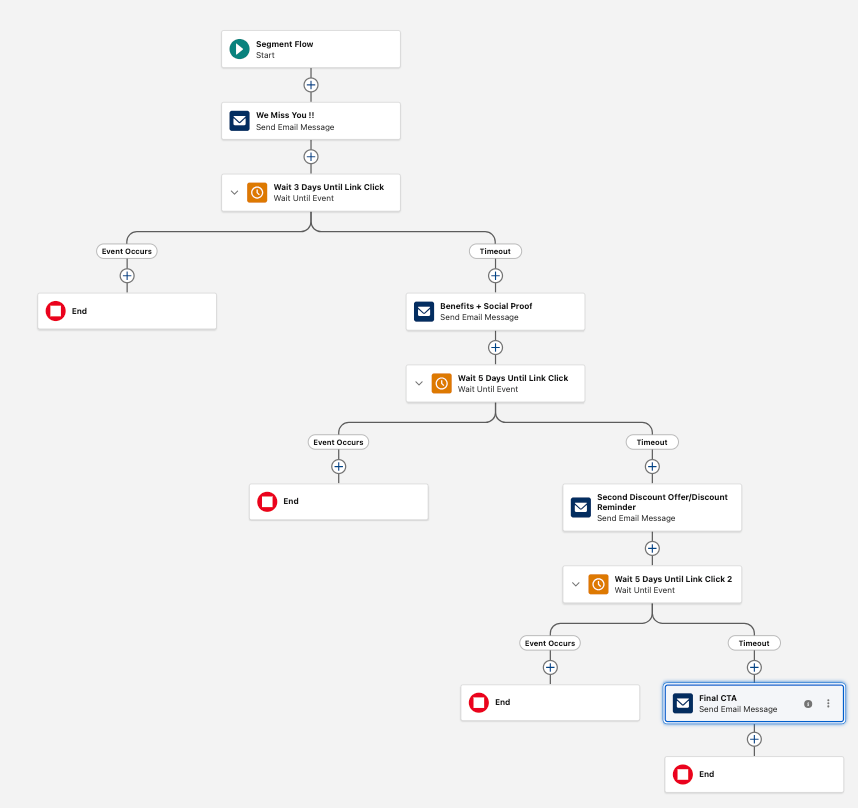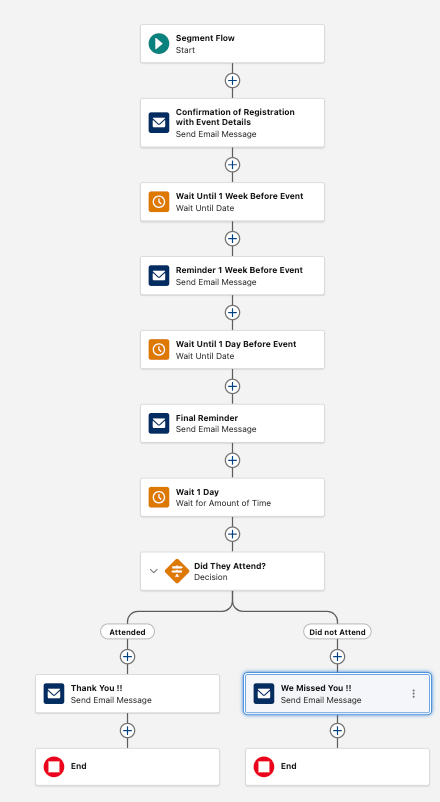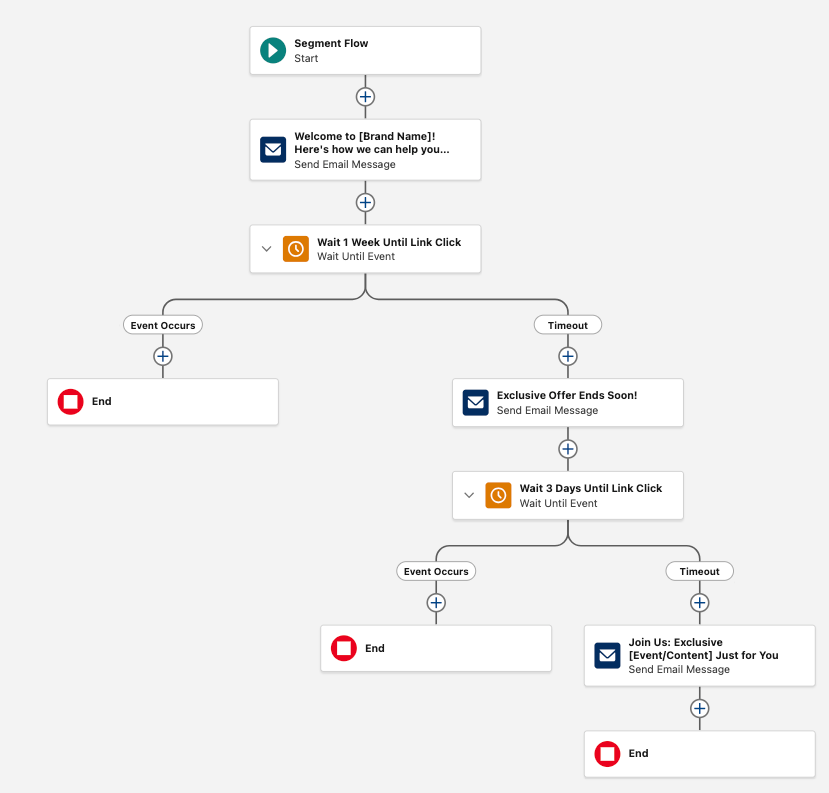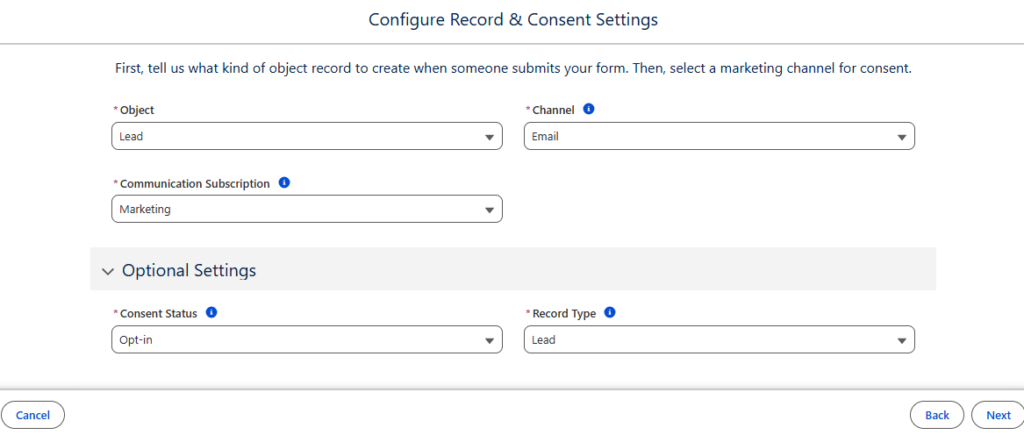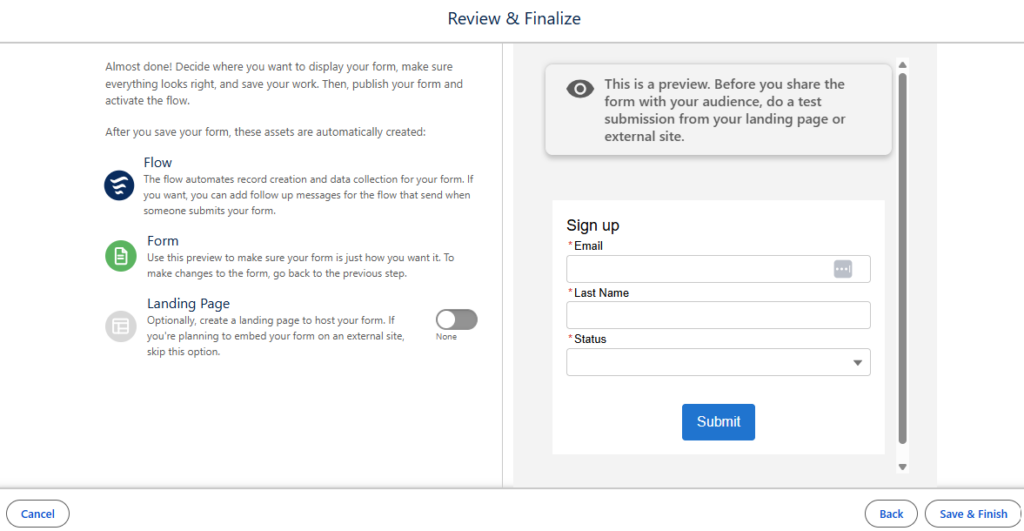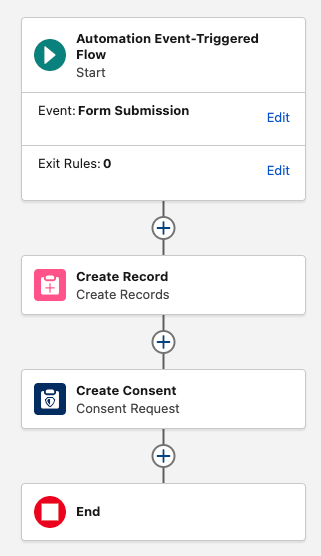





Marketing Cloud Next can make the future of marketing look like a whole new world. Agentic campaign creation, real-time data, connected journeys—the demos make it easy to imagine what your marketing team could do with more automation and fewer manual processes. The harder question comes when you start to think through: What does Marketing Cloud Next look like for us? To start answering this question, the Sercante l Trilliad Marketing Cloud Next Readiness Checklist guides marketers to self-assess their existing technology and processes and how they align with Marketing Cloud Next, to see where they could get started.
Your team already has technology, processes, data, integrations, and ways of working that aren’t going to disappear overnight. So getting started isn’t just simply about identifying the newest features you want to use. It’s also about figuring out where those capabilities could make a meaningful difference within the marketing operation you already have.
Instead of jumping straight into the platform, our Marketing Cloud Next Readiness Checklist helps teams take stock of their current environment and determine where Marketing Cloud Next deserves a closer look.

Turn Your Marketing Pain Points Into a Starting Point
To start this process, you need to stop and ask: Where is your marketing team losing time today?
- Are marketers manually exporting data every time they need to build an audience?
- Does important customer information live across multiple systems, making personalization harder than it should be?
- Has campaign creation itself become a chain of repetitive tasks that keeps marketers from focusing on strategy?
Those pain points are clues for where to start with Marketing Cloud Next.
The Readiness Checklist helps teams connect challenges to capabilities worth exploring. It asks whether disparate data is creating segmentation challenges, whether teams want to expand into new channels, whether AI agents could support marketing and sales operations, and whether manual campaign and content creation is eating into the team’s time.
By the end of the assessment, teams will have a clearer picture of where Marketing Cloud Next could deliver value now, which capabilities deserve a closer look, and where additional planning may be needed before moving forward.
What Should Your Organization Consider Before Getting Started?
Identifying a promising use case is only one part of determining readiness. The Marketing Cloud Next Readiness Checklist also prompts marketers to think about the realities surrounding that opportunity.
The goal isn’t to create a list of reasons to wait. It’s to uncover the dependencies that could shape how your organization gets started. A promising capability becomes much easier to act on when you understand what needs to be true around it. As you evaluate your readiness, consider questions like:
| Consideration | What your team should think about |
| Current technology | Where does your existing platform already meet your needs, and where are workarounds or integrations creating friction? |
| Data & integrations | How is customer data moving between systems today, and what integrations would still need to be maintained? |
| Channels & experiences | Which channels or customer experiences do you want to add or improve? |
| Feature requirements | Are capabilities your team depends on today available in Marketing Cloud Next, different from your current platform, or still on the roadmap? |
| Cost & infrastructure | How could consumption-based pricing, Salesforce CRM requirements, or custom API needs influence your approach? |
From Marketing Friction to More Strategic Work
The friction uncovered during a readiness assessment isn’t unique to one marketing team. Across the industry, marketers are trying to deliver increasingly sophisticated customer experiences while still working around disconnected data, manual processes, and technology that doesn’t always work together.
That complexity has a real cost. 37% of leaders say organizational silos prevent efficient data sharing across marketing and operations (MarTech), while 31% of marketers cite slow execution caused by manual processes or rigid technology as their biggest barrier to delivering personalized campaigns (MoEngage).
Every hour spent exporting lists, moving data between systems, or piecing together campaign workflows is time marketers aren’t spending understanding customers, improving creative, testing new ideas, or building better experiences.
That’s the opportunity Marketing Cloud Next presents.
By bringing data, campaign execution, automation, and agentic capabilities closer together, Marketing Cloud Next creates the potential to reduce some of those operational handoffs. The guide highlights opportunities ranging from generating campaign structures and content from plain-language prompts to creating dynamic segments without manual exports and using agentic decisioning to determine next-best actions. The payoff isn’t simply faster campaign execution. It’s giving marketers back more of their creative and strategic bandwidth.
Take a closer look at how marketers are leaning into agentic campaign operations to reclaim bandwidth with Lauren Noonan’s blog, How Marketers Are Using Agentic Campaign Operations to Reclaim Their Brains (and Fall in Love with Strategy Again).
Build Your Path: Crawl, Walk, Run
Adopting Marketing Cloud Next doesn’t have to mean moving your entire marketing operation onto a new platform at once. A more practical approach is to start with the opportunities that can create value now, learn from them, and expand as your organization is ready.
Think of it as a crawl, walk, run approach.
- Crawl: Teams can use the Marketing Cloud Next Readiness Checklist to assess their current environment and identify one or two high-impact use cases worth exploring.
- Walk: Teams can begin deploying those capabilities alongside existing systems, measuring what works and building confidence along the way.
- Run: Teams can expand their use of Marketing Cloud Next and continue to scale alongside their existing technology as it makes sense for their business.
There’s no universal timeline for that progression. Differences in data structures, processes, team skill sets, and business goals mean some organizations will be positioned to move faster than others. The goal is to create a path that balances near-term wins with a longer-term vision for the platform.
For a deeper look at planning that transition, check out this blog, A Strategic Path to Navigating Marketing Cloud Convergence.
Getting Started with Your Marketing Cloud Next Readiness Checklist
The question isn’t whether your organization can use everything Marketing Cloud Next has to offer. It’s where the platform can make the biggest difference first.
If you’d like an expert to walk through the Marketing Cloud Next Readiness Checklist with your team—or help you fast-track the next best steps—connect with Sercante | Trilliad. We’ll help you turn your questions and current challenges into a clear, practical path forward.