
The issue
Some versions of Outlook are defaulting the font to Times New Roman, even if the font family fallback is defined in the code.
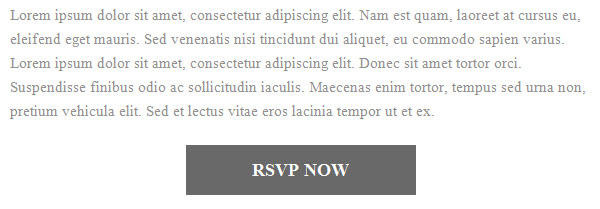
font-family:'Roboto',Arial,Verdana,Sans-serif;"This only happens when using custom, non-websafe fonts.
The fix
Outlook will not render your non-websafe font, but you can force it to use your fallback font. Copy and paste this code into the HEAD section of your email. Update the font-family with whatever your fallback font is.
<!--[if mso]>

<style>
    span, td, table, div {
      font-family: Arial, serif !important;
    }
</style>

<![endif]-->
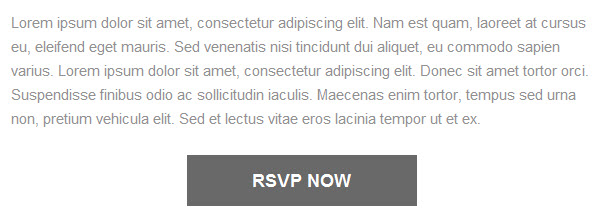
Now your email should display the fallback font in every version of Outlook.
Questions?
Send me a tweet @jennamolby, or contact the Sercante team for help.